RLIN21 Browse Search
In addition to searching RLIN21 using the Command line search,
you can do browse searches on the indexes listed below:

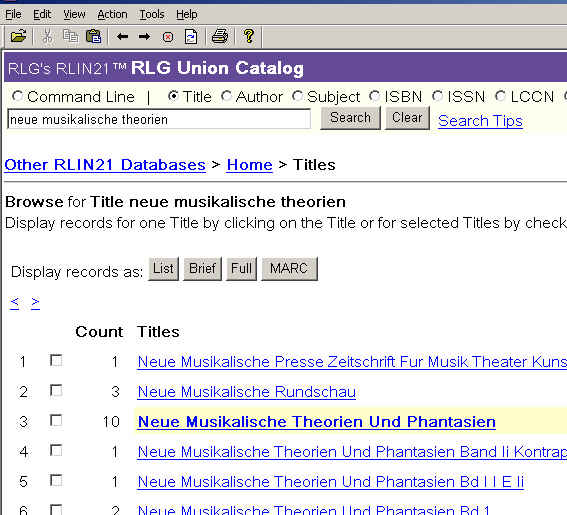
1. You do not need to use truncation. Browse search
results give you a list of matches or near matches. The nearest match
shows up as no.3 in the list.
2. RLIN21 defaults to Command line search.
When you wish to do a browse search instead, be sure to click in the radio
button of the index you wish to search. Look at the two samples below
for the difference between a Command line title search and a Browse
title search.
Command line search:

Title browse search:
More information on searching is available in RLG's RLIN21
Search tutorial (RLG document - PDF file)
There are extensive help files in the RLIN21 interface.
Please click on the help menu and look around!


